This page shows you exactly how to use CourtReserve to create your account, reserve courts, and register for lessons, leagues, and camps at Reno Tennis Center. Follow the steps below and you will be able to book and register without confusion.
What CourtReserve Is and Why It’s Used Here
CourtReserve is the booking and registration platform used for:
- Court reservations
- Lesson registration
- League registration
- Camp registration
- Memberships and packages
- Program payments
Instead of calling or emailing to book, everything is handled inside CourtReserve so availability and registration stay accurate in real time.
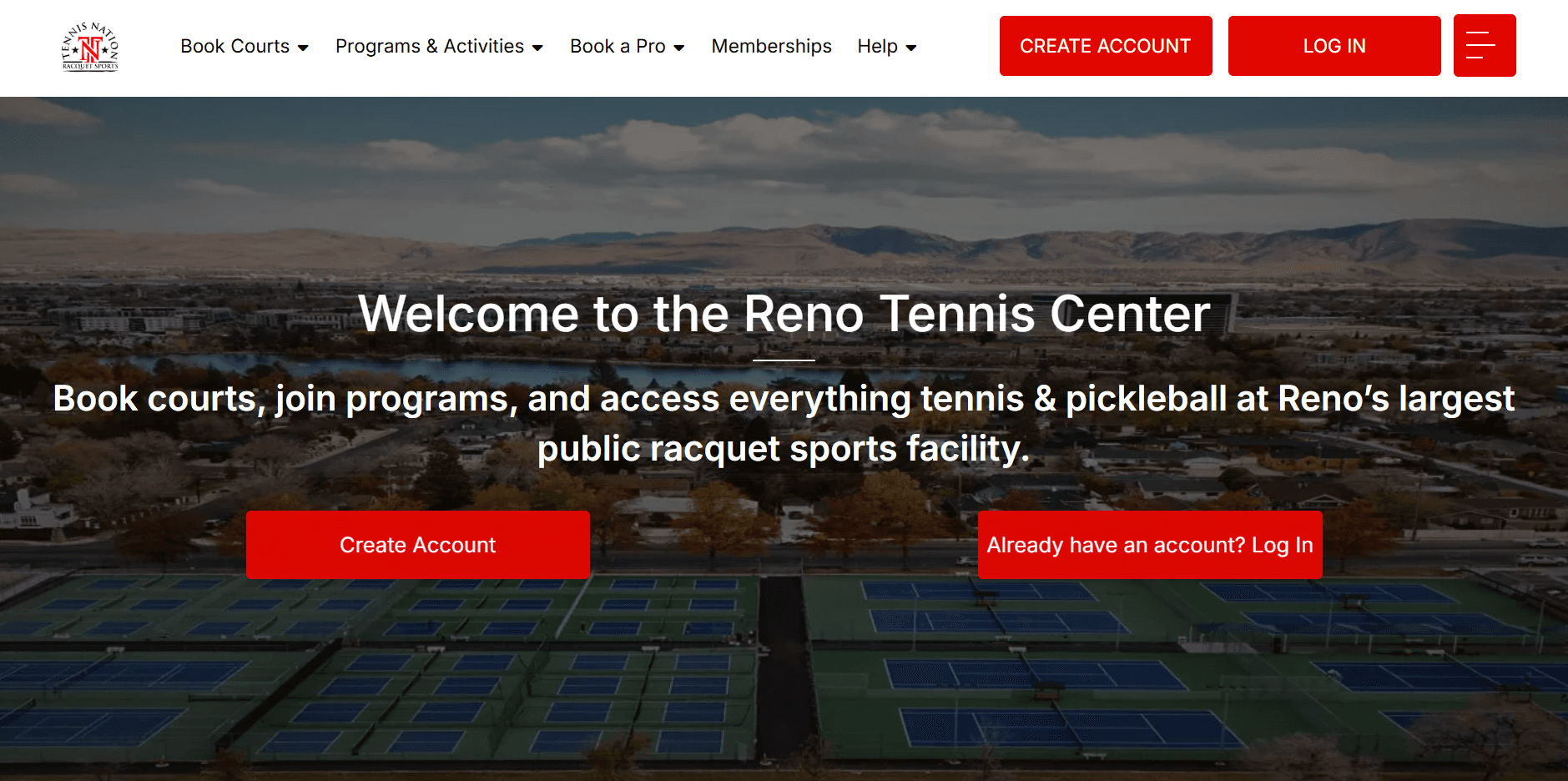
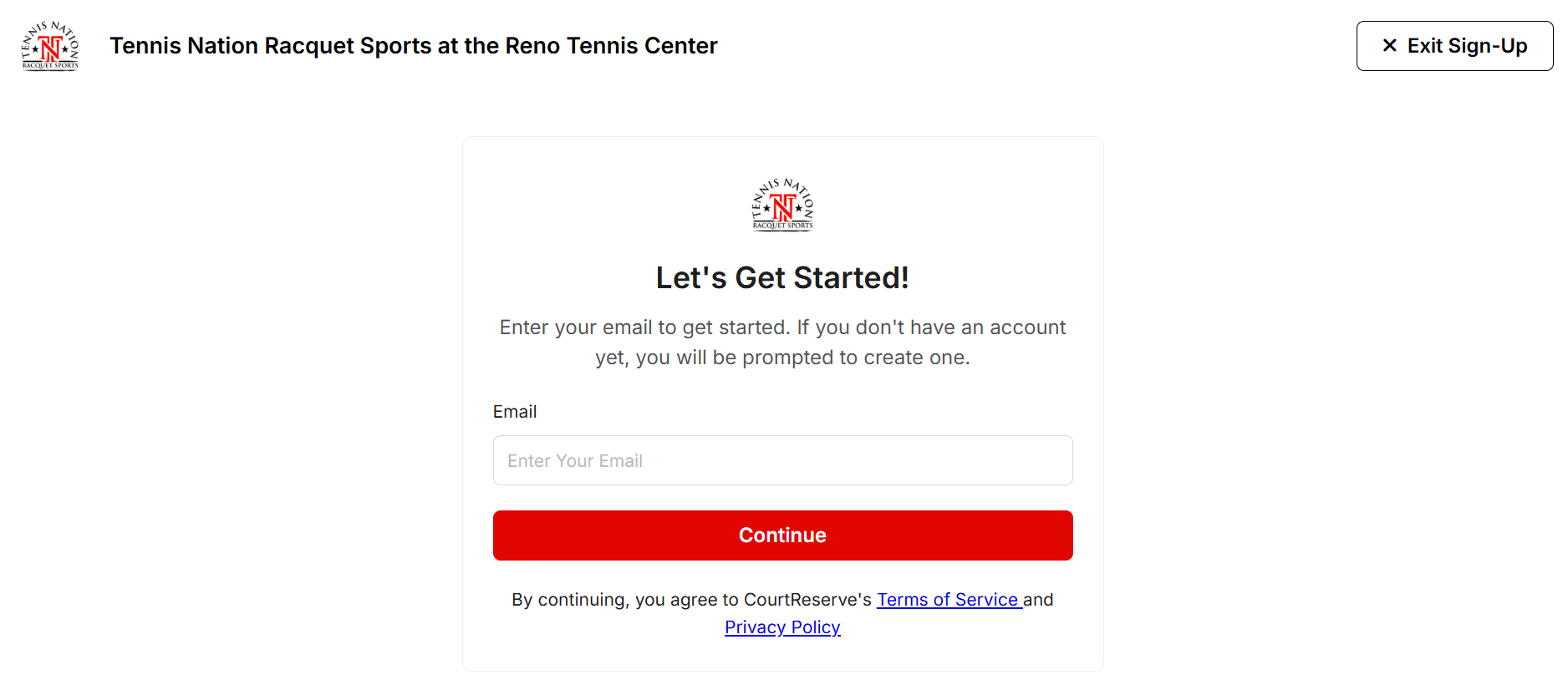
Create Your CourtReserve Account — Step by Step
If you are new, create your account first.
Steps:
- Click the CourtReserve login button above
- Choose Sign Up or Create Account
- Enter your name and email
- Create your password
- Confirm your email if prompted
- Log in
Use the same email you plan to use for all reservations and program registrations.
Common Account Setup Mistakes
- Using multiple email addresses
- Misspelling your email during signup
- Not confirming your email when prompted
- Creating duplicate accounts instead of resetting password
If you think you already have an account, try password reset before creating a new one.
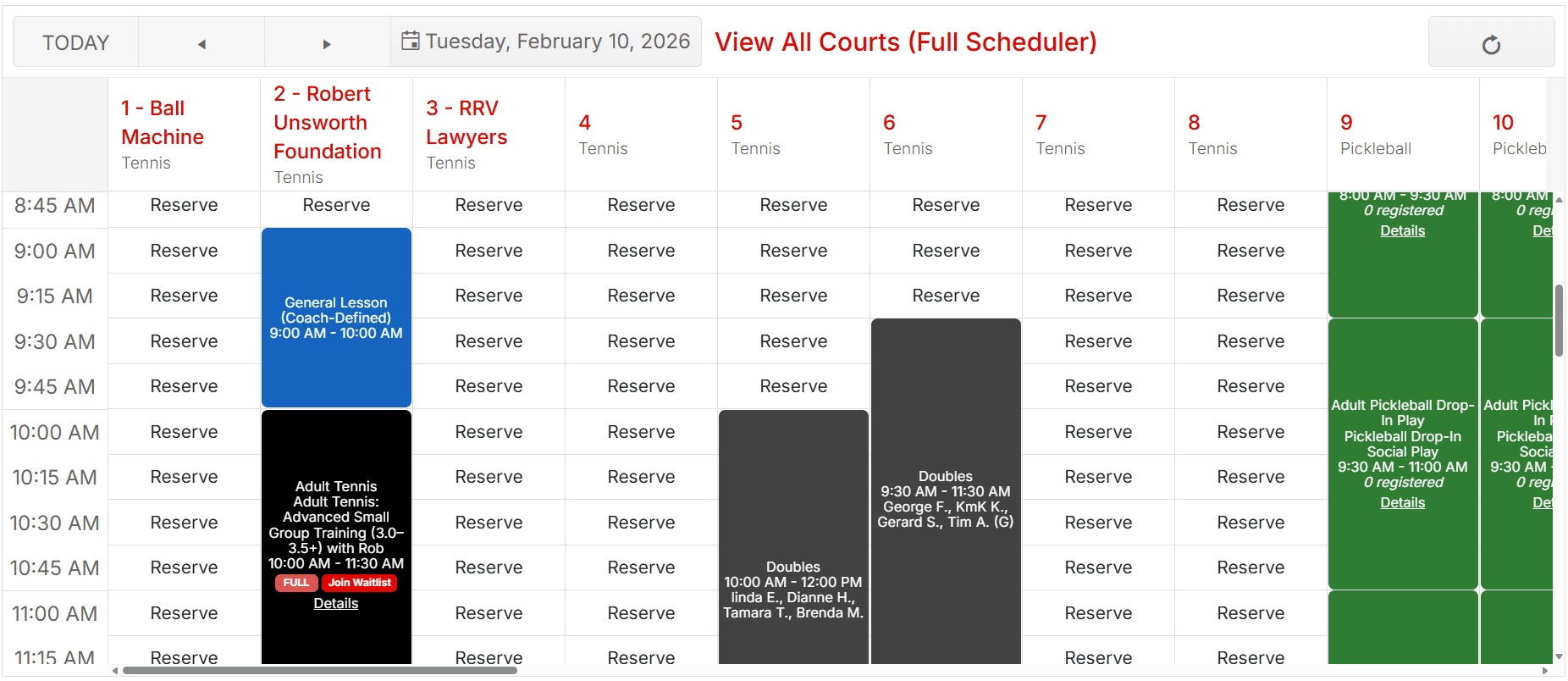
How to Reserve Courts — Step by Step
Court reservations are done inside the Reserve or Book Courts section.
Steps:
- Log into CourtReserve
- Go to Reserve or Book Courts
- Select the sport (pickleball or tennis if shown)
- Choose your date
- Choose your time slot
- Select your court
- Confirm and pay if required
- Receive confirmation
Pickleball and tennis reservations may appear in different court groups. Make sure you are selecting the correct court type.
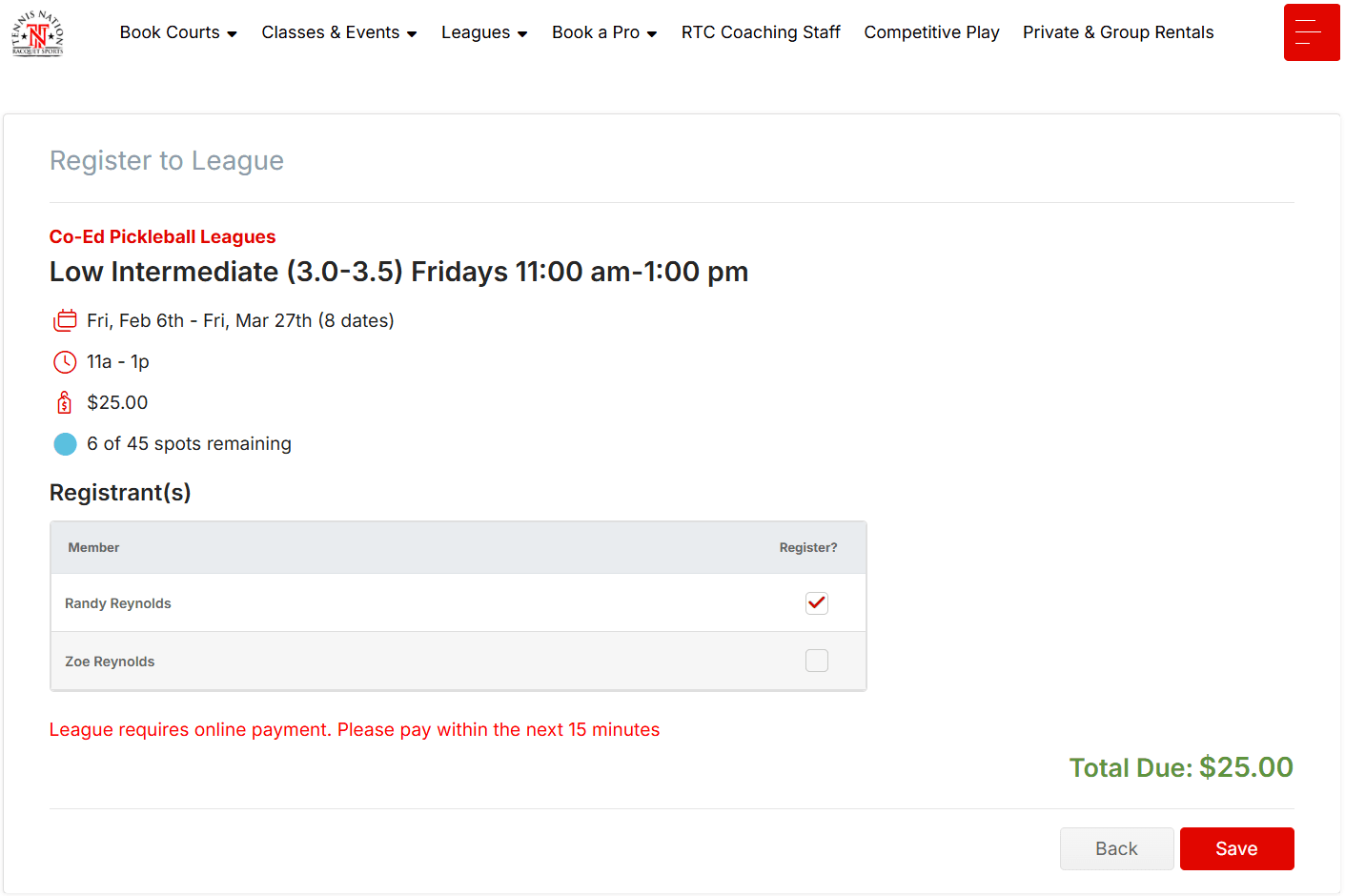
How to Register for Lessons, Leagues, and Camps
Programs are not booked through the court grid. They are booked through Events, Programs, or Activities inside CourtReserve.
Steps:
- Log into CourtReserve
- Go to Events, Programs, or Activities
- Use filters if available
- Select the program
- Review level and description
- Register and complete payment
Use these program pages for guidance before registering:
Pickleball Lessons
Pickleball Leagues
Pickleball Camps
Tennis Lessons
Memberships and Packages
Memberships and class packages are also managed inside CourtReserve.
To purchase:
- Log into CourtReserve
- Go to Memberships or Packages
- Select the correct option
- Complete checkout
- Your benefits apply automatically to reservations and programs
Before purchasing, review plan details here:
Troubleshooting Common Booking Problems
I Can’t Log In
- Use password reset first
- Check for email spelling errors
- Make sure you are using the correct email
I Don’t See Any Courts
- Check the selected date
- Check the sport filter
- Try a different day or time
I Don’t See My Program
- Remove filters
- Check correct category
- Confirm registration window is open
I Registered but Didn’t Get Email
- Check spam folder
- Log back into CourtReserve and check your registrations
Mobile Tips
- Use updated browser or app
- Rotate screen for grid views
- Avoid autofill errors in forms
When to Contact Staff
Contact staff if:
- You were charged incorrectly
- A registration error occurred
- You booked the wrong program
- Your account is duplicated
- A child account needs linking
Use the Contact page here:
Do not create multiple new accounts to solve login problems. That creates bigger issues.
CourtReserve Booking Help — FAQ
Do I need an account to reserve courts?
Yes. Reservations require a CourtReserve account.
Can I book pickleball courts online?
Yes. All pickleball court reservations are handled in CourtReserve.
Can I register for leagues online?
Yes. League registration is done through the leagues or Events section on CourtReserve.
Can I register for lessons online?
Yes. Private and group pickleball lessons are available for beginner through advanced players. Utilize the “Book A Pro” feature on CourtReserve.
Can I register juniors under my account?
Yes. Junior players can be added to your “My Family” profile under the “More” section.
Can I cancel a reservation?
Yes, based on the posted cancellation policy for that booking type.
Why don’t I see the program I was told about?
It may not be open yet or may be full. Remove filters and check dates.
Do memberships apply automatically?
Yes. Active memberships and packages are recognized by the system.
Can I use CourtReserve on my phone?
Yes. It works on mobile browsers and supported apps.
Who should I contact if payment fails?
Contact staff through the Contact page for billing support.
Get Booked and Registered
Use CourtReserve for all court reservations and program registrations. Follow the steps above and you can complete everything online.